What makes us different from any registrar or web host on the Internet is our ability to allow you to register a domain, purchase web hosting and manage everything from a powerful and easy to use platform.
1) Go to www.hostingbloc.com and enter your desired domain
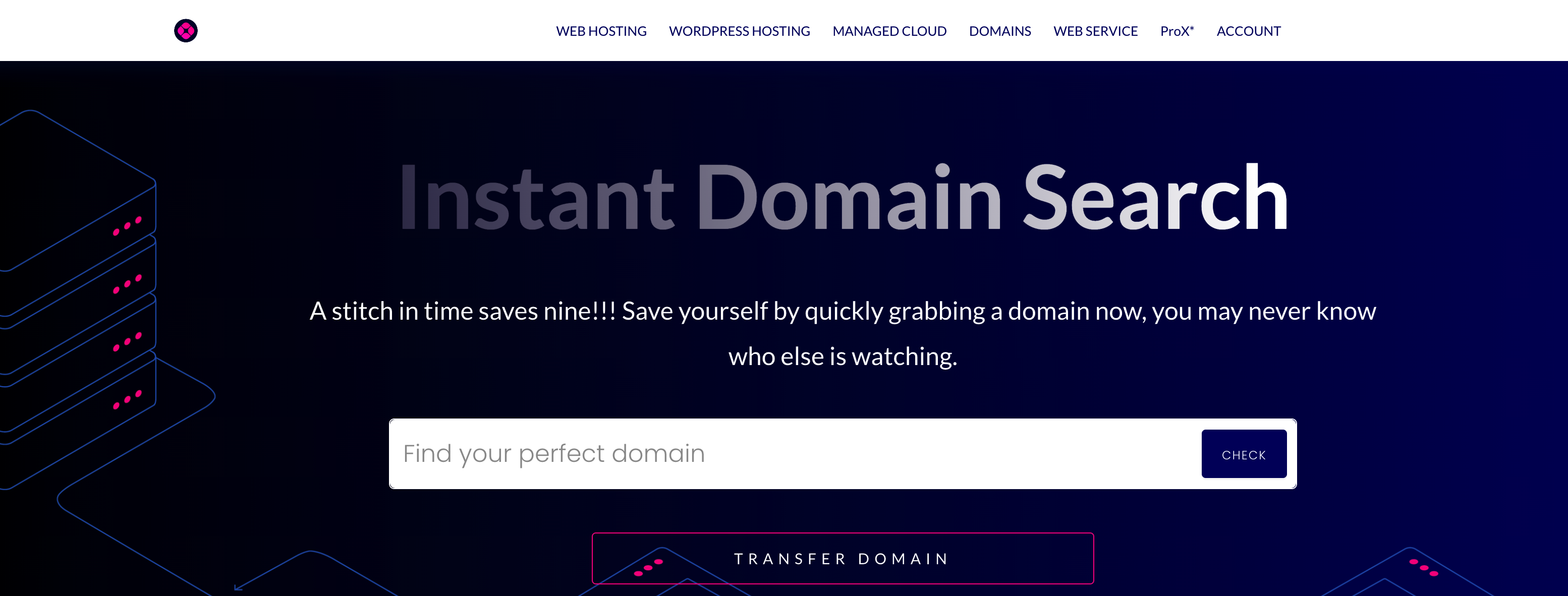
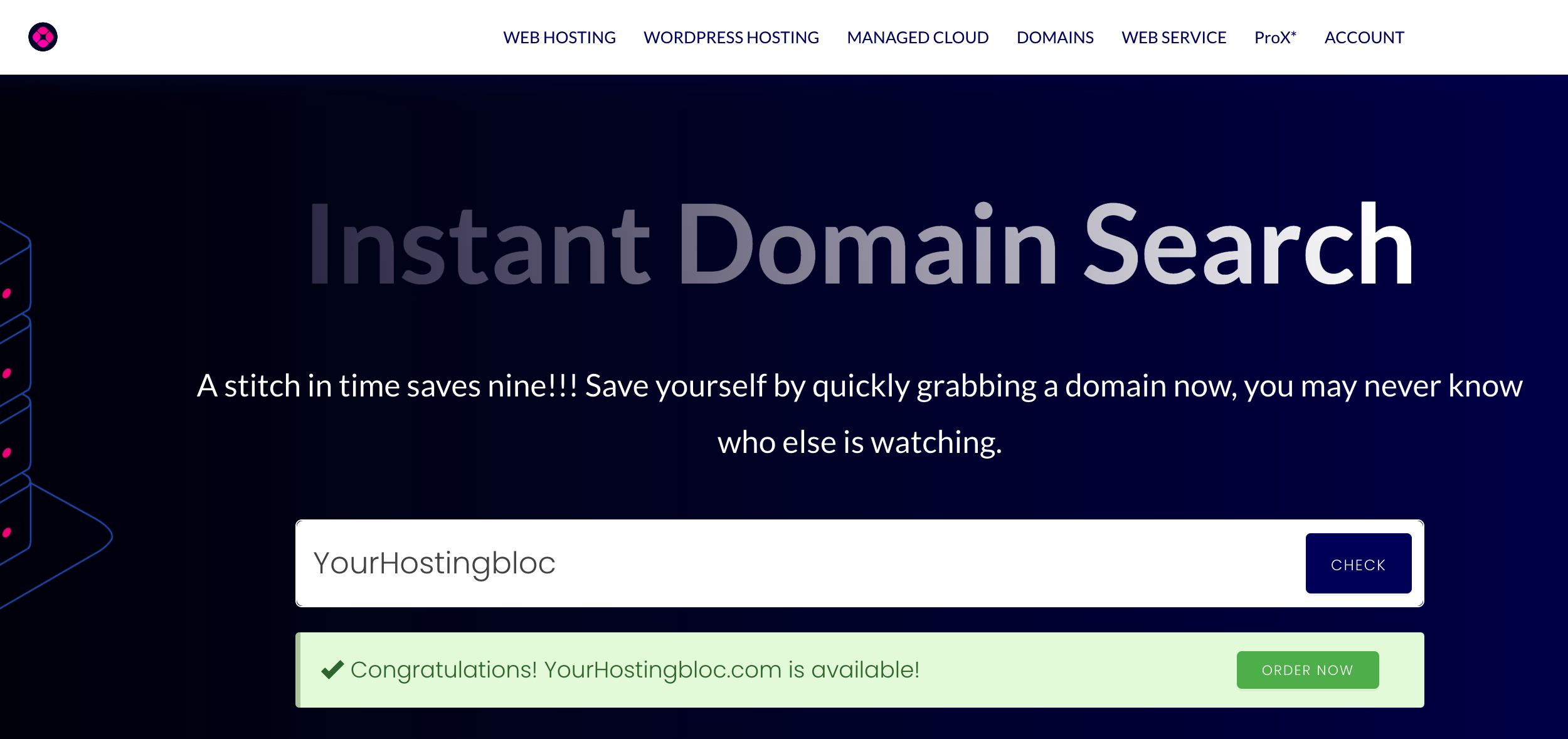
2) Once we find out the domain is available (which is clear next to status pictured in green below), click on the "Order Now" button to take you to where you will have options for adding a hosting package for your available domain, select "Click to Add"..
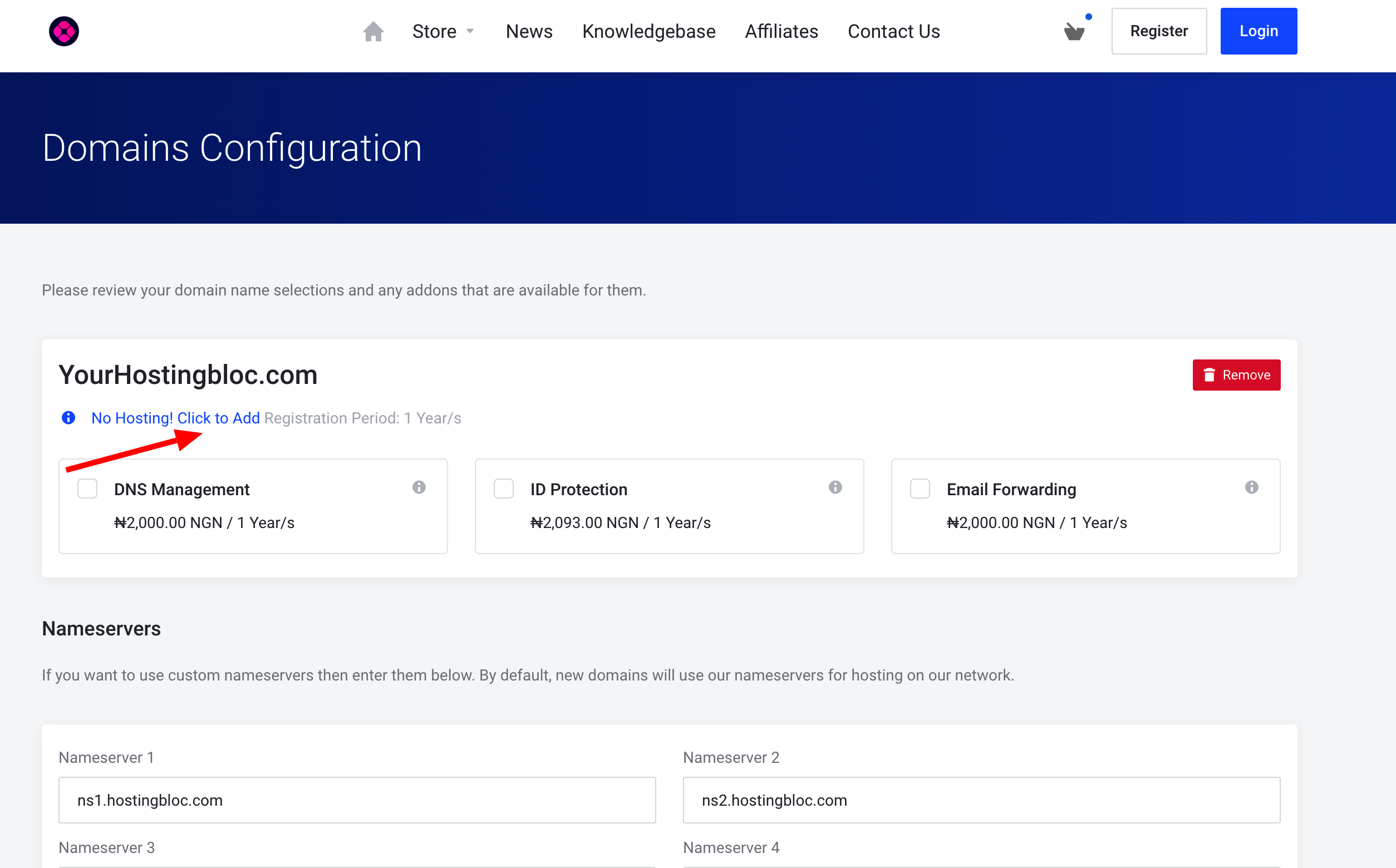
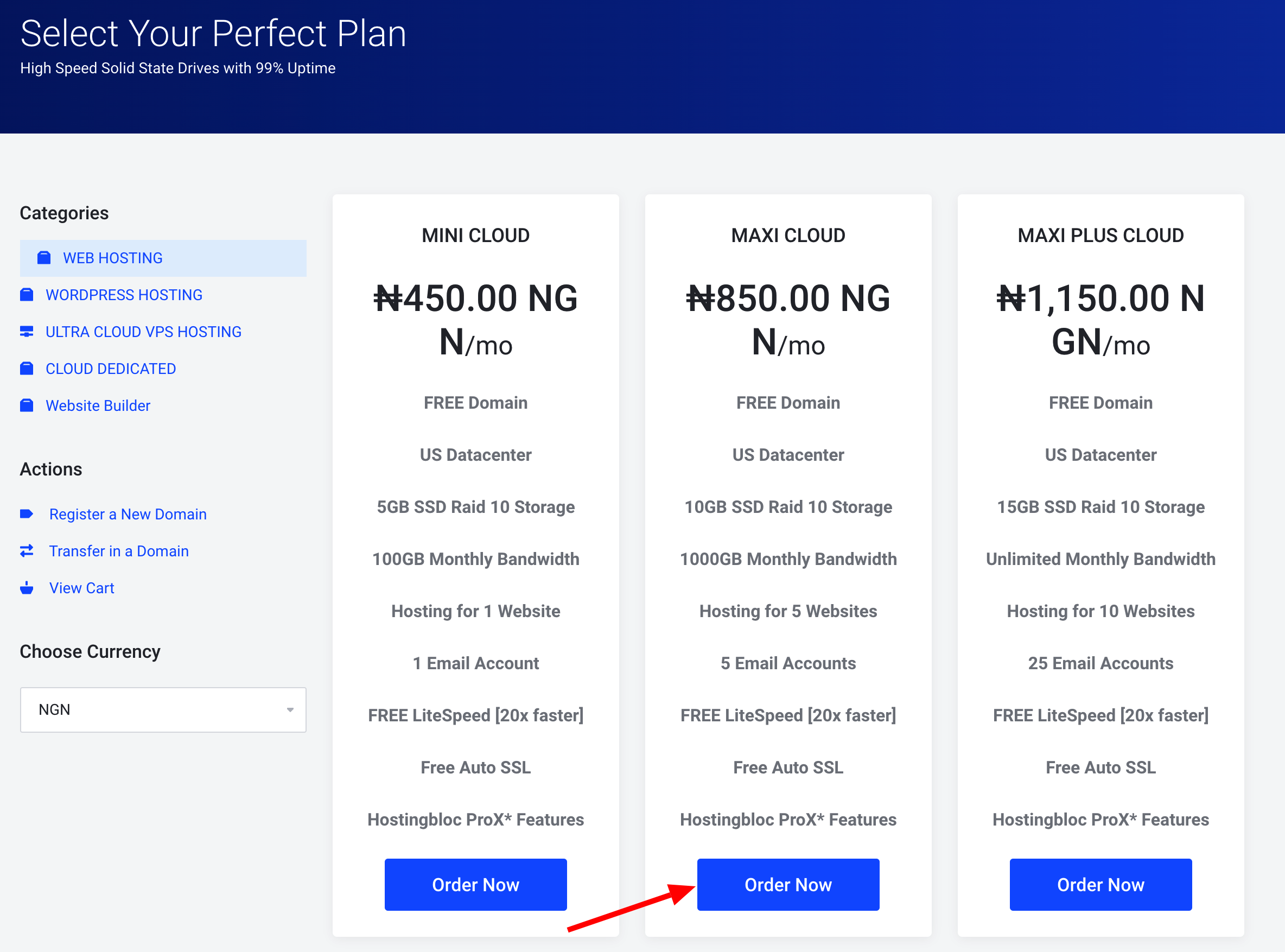
For this example, we're going to select our "Maxi Cloud" for ₦850.00 NGN/month (price subject to change). This is our most popular package. Click Order. You also have options to select other hosting packages on the category list which includes Wordpress Hosting, VPS, Cloud Dedicated and try other actions
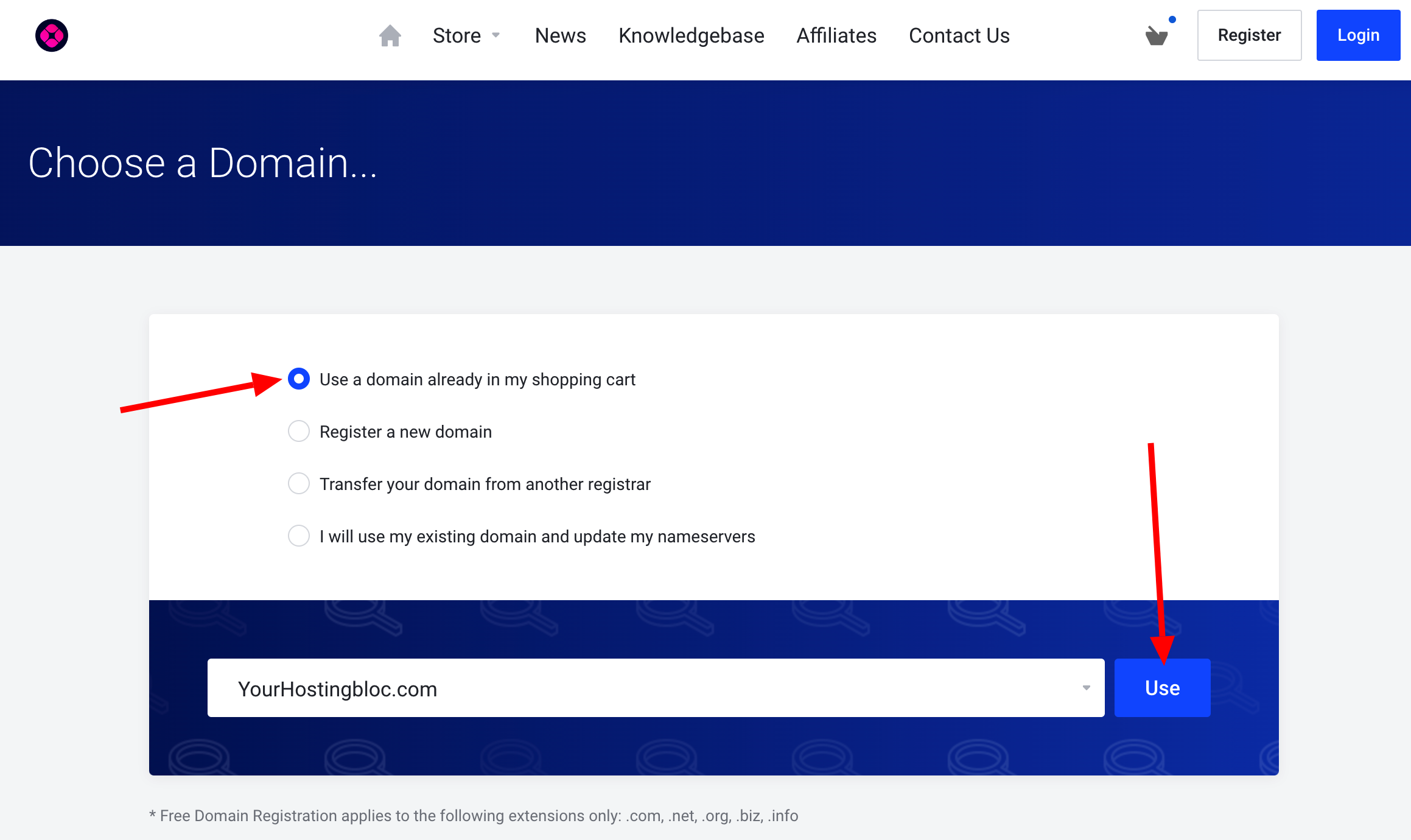
4) Since we're already in the process of registering a domain, we'll select "Use a domain already in my shopping cart" on the next page. We'll verify that domain in the drop down window (pictured below) and click Continue.
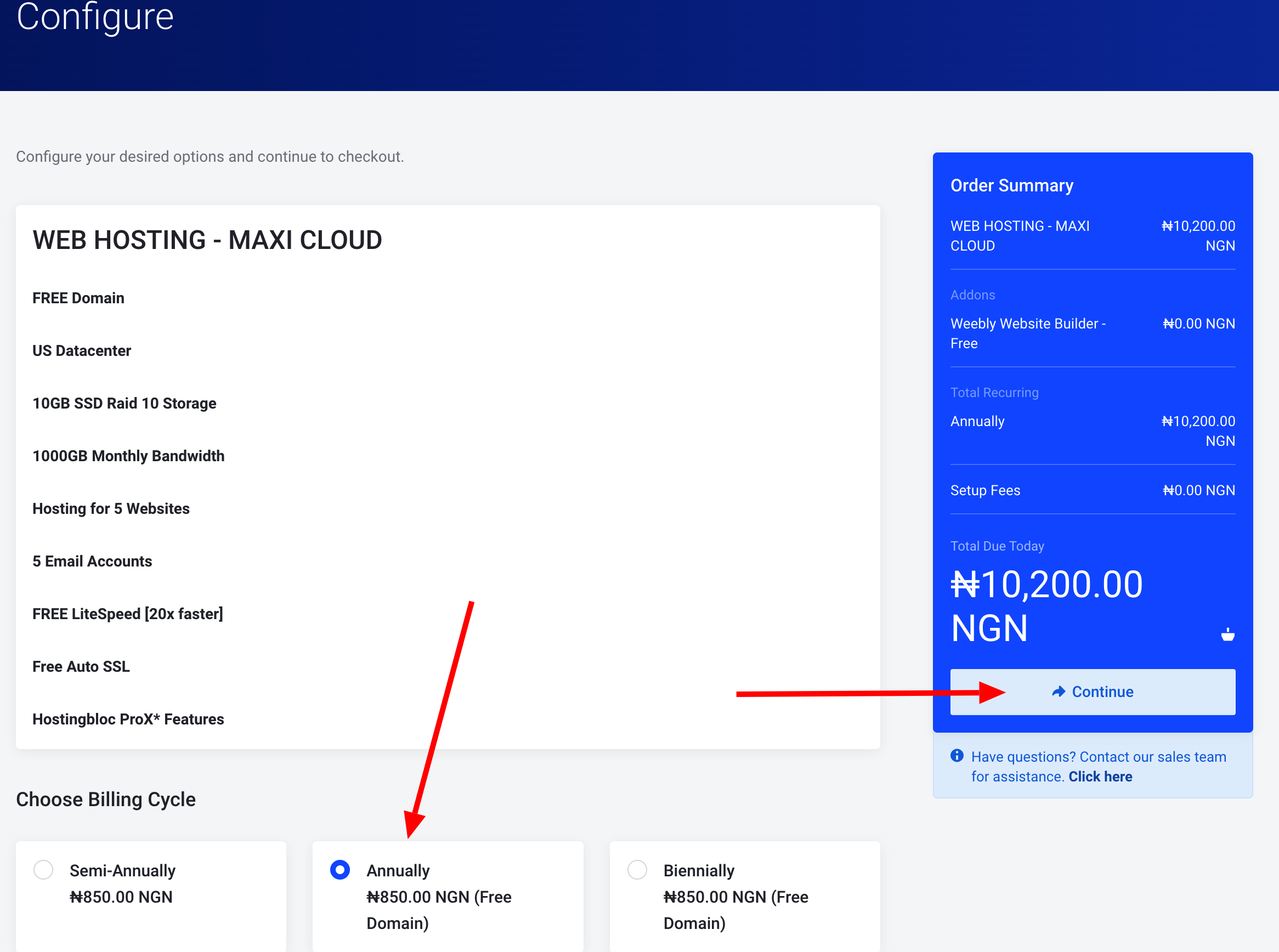
5) The next step is to configure how long you want to commit yourself, either annually or biannually. For this example, we'll choose the 12 Months Price at ₦10,200.00 (price subject to change). The longer you commit, the lower the price. We also recommend a minimum of 12 months commitment to enjoy a FREE domain. After selecting, we'll click "Continue" to the next step
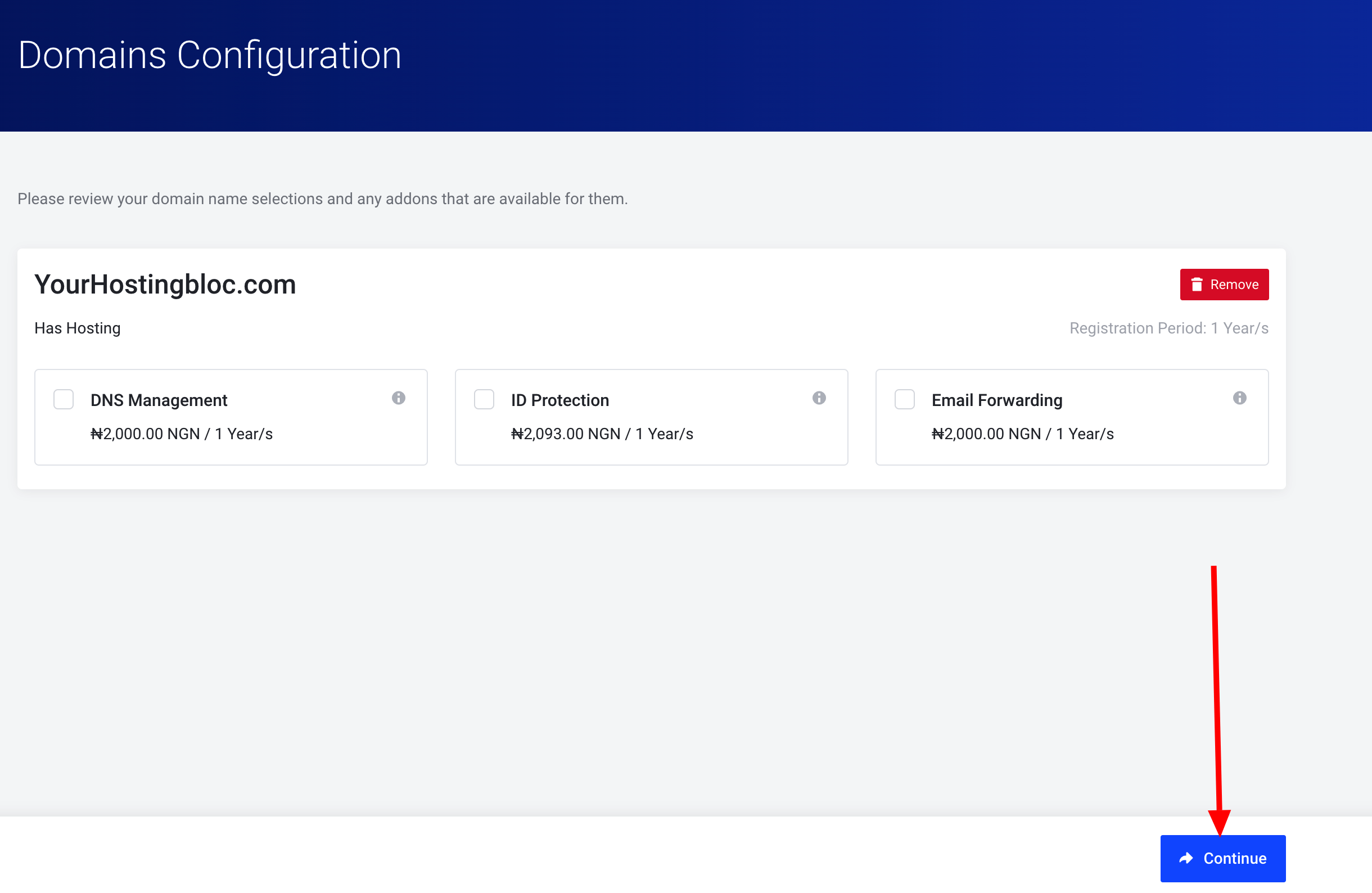
6) Now that we've added hosting and selected our Registration Period, we're ready to select Addons. IF YOU DON'T WANT THIS OPTION YOU CAN EASILY SKIP IT AND CLICK ON CONTINUE TO COMPLETE YOUR TRANSACTION
Hero Tip: We recommend all Addons to ensure the highest level of service, including our state of the art DNS Management, Email Forwarding and ID Protection.
Tick all three boxes to include all three, or choose the one(s) you want. Click "Continue" when complete.
7) Now, you will need to setup Hostingbloc account by filling all the required information otherwise chose "EXISTING CUSTOMER LOGIN" if you have an account with Hostingbloc and enter our domain registration information
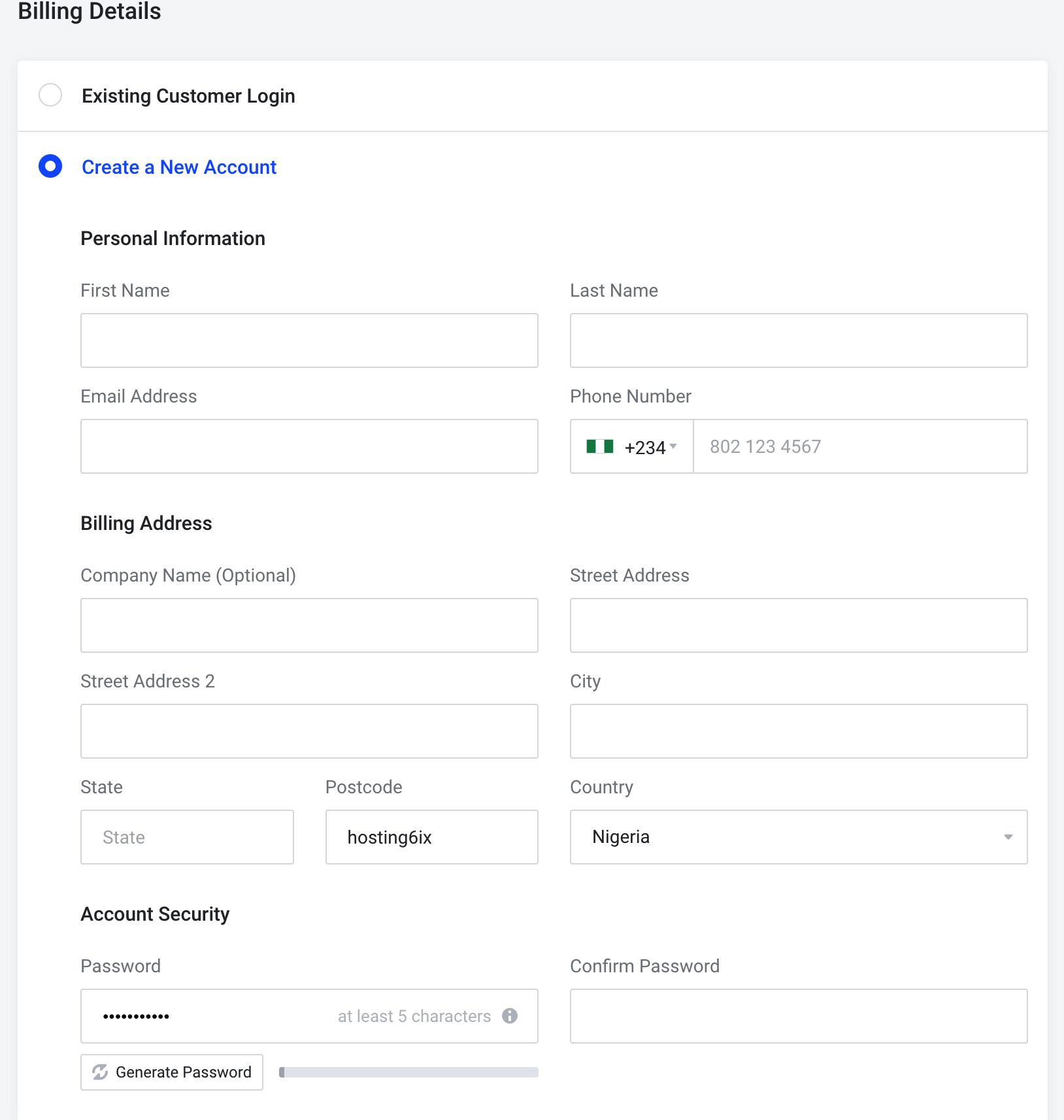
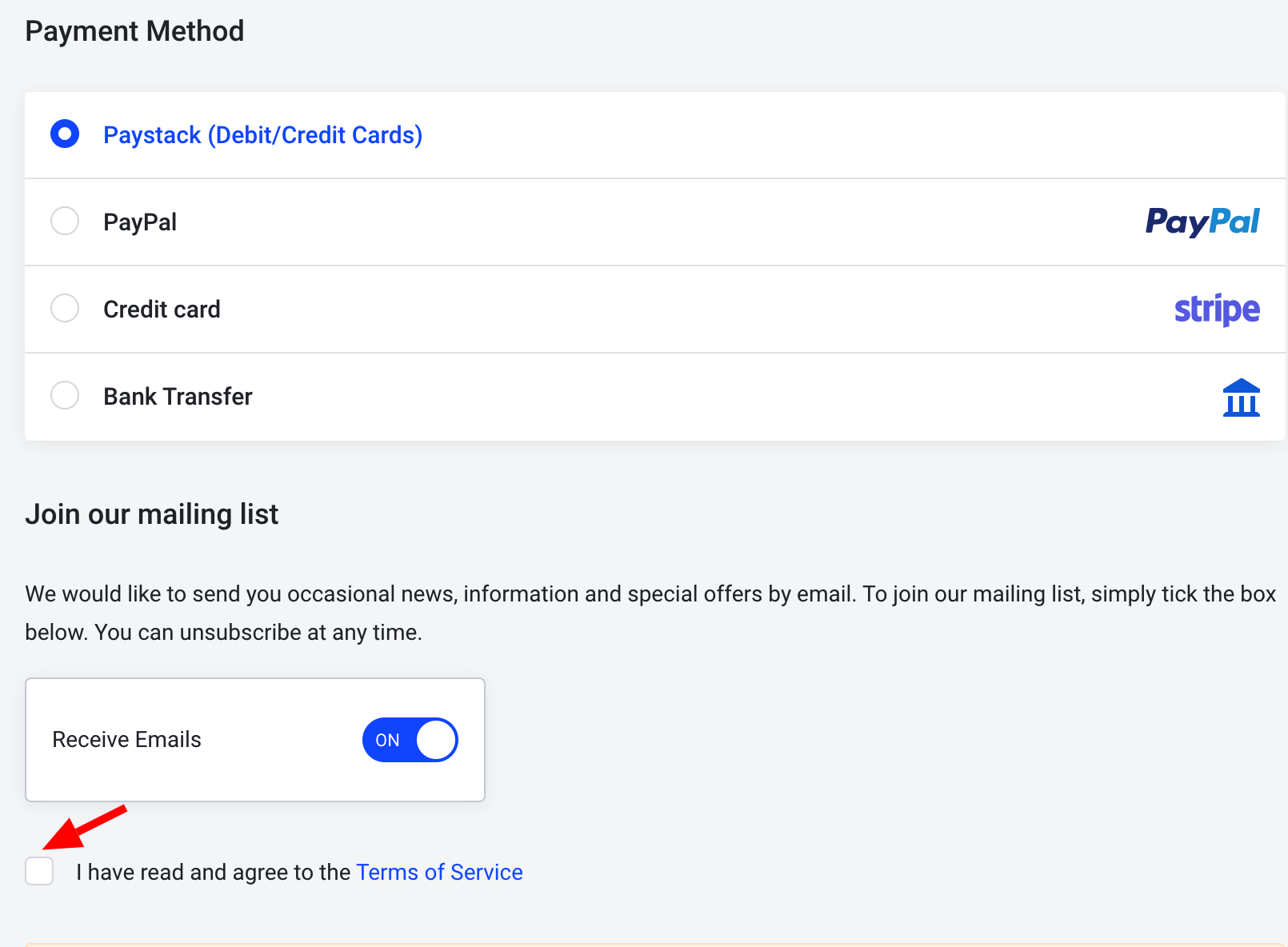
8) Once that information has been filled out, we'll enter our Credit Card information or choose "Bank Transfer" for other payment option in the picture below. Please don't forget to checkbox our "I have read and agree to the Terms of Service"
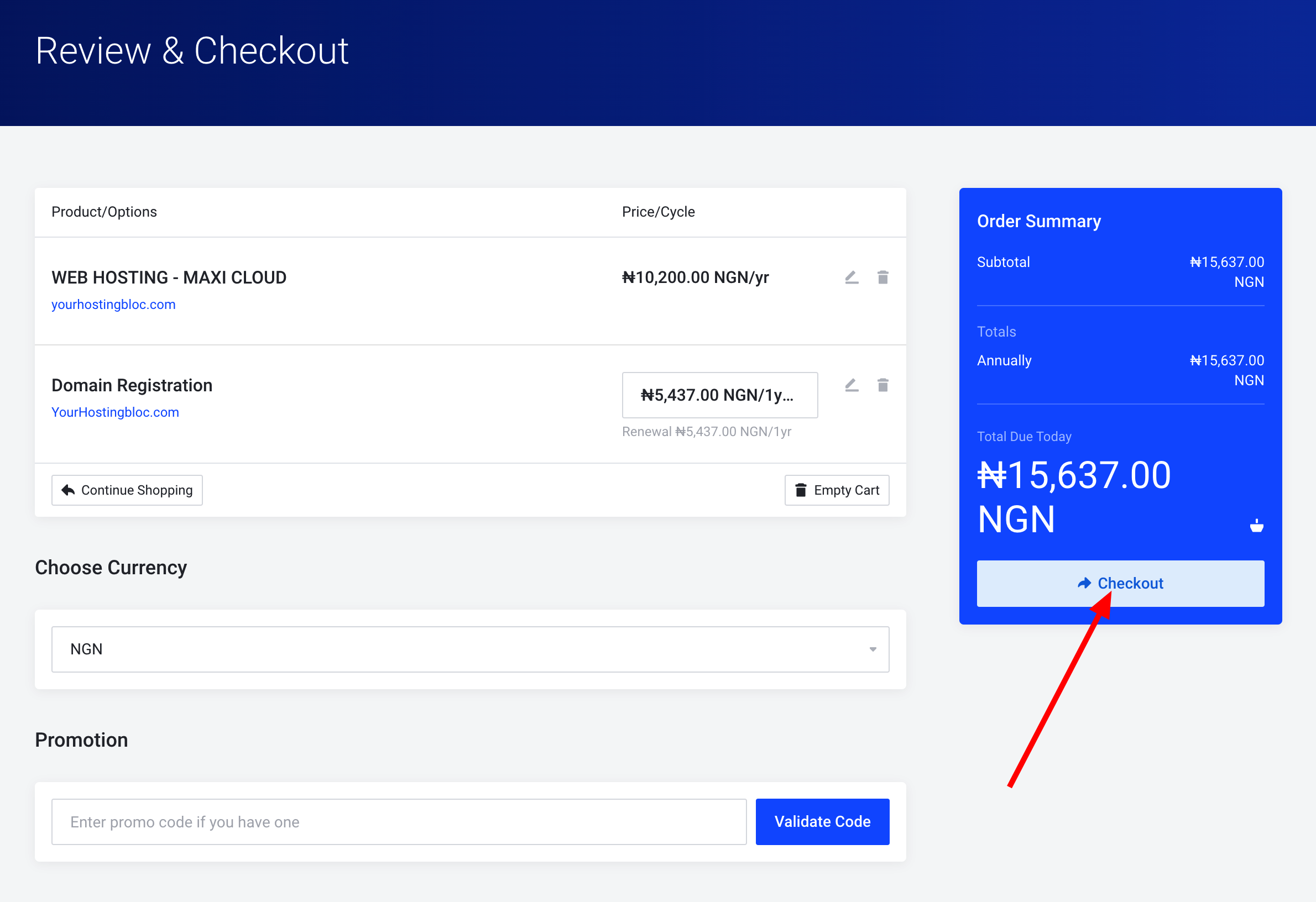
9) At this last step, when you have verified all that you have done. You have...
- Selected "Maxi Cloud" package at the annual amount of ₦10,200.00 plus ₦5,437.00 for the domain registration
- We're registering the domain YourHostingbloc.com
- Excluding the Addons of DNS Management, Email Forwarding and ID Protection.
Now it's time to Checkout or enter a Promotional Code if we have one. Since we do not, you'll click the Checkout button to complete your ordering process.